
Thermal Printing
Print Restaurant Orders Automatically from a Thermal Printer at Every Station
Ta3me prints incoming orders as tickets on the thermal printers you define, one per station — kitchen, grill, juice, pastry and so on — each defined on its own. Orders print automatically on arrival, or after the cashier approves them, whichever you configure, and you can test each printer during setup.
- A printer per station: kitchen, grill, juice, pastry
- ESC/POS-compatible 80 mm thermal printers
- Automatic printing on arrival or after cashier approval
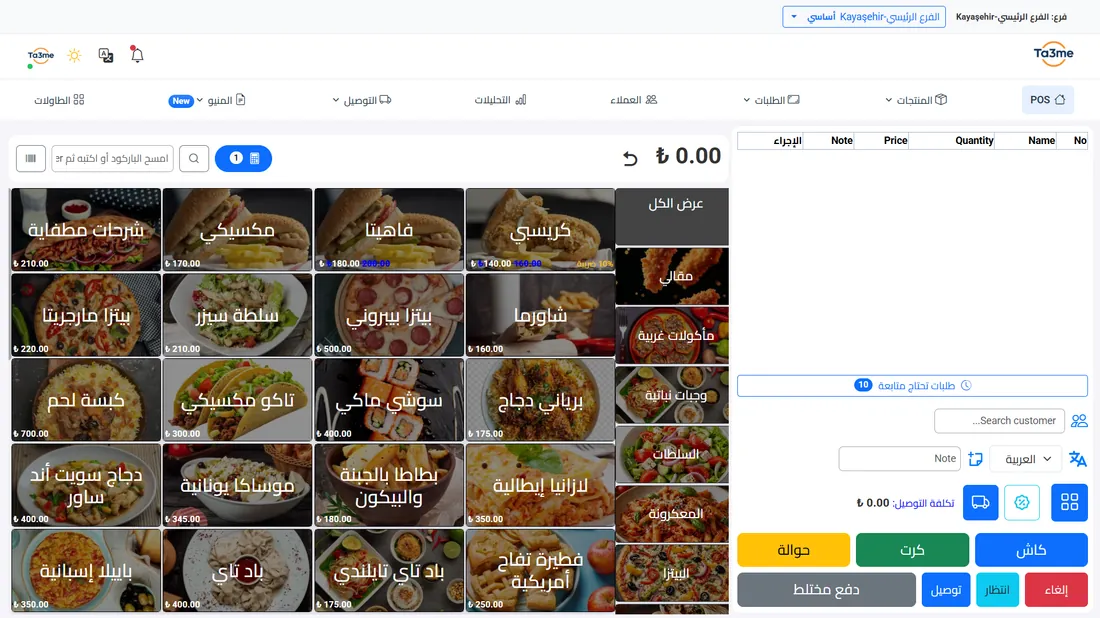
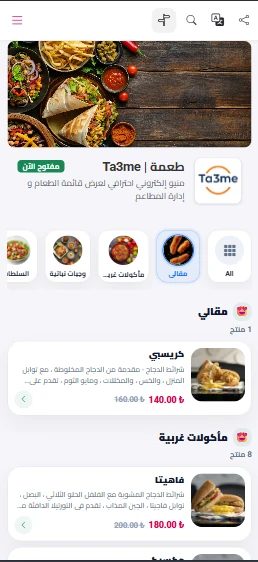
Friction in getting the order to each station
Writing the order by hand and carrying it to the kitchen, the grill or the juice station wastes time and causes legibility and forgetting problems.
With a thermal printer defined for each station, the ticket prints on arrival or after the cashier approves the order, so this step runs automatically.
How thermal printing works
The process is clear, from defining the printers to the ticket coming out.
Define the printers
You add your ESC/POS-compatible 80 mm thermal printers to the system.
Give each station its printer
You define a printer for each station — kitchen, grill, juice, pastry — each on its own.
Test at setup
You take a test print during setup to confirm each printer connection.
Automatic printing
Incoming orders can print automatically on arrival, or after the cashier approves them, whichever you configure.
What thermal printing gives you
A printer per station
Kitchen, grill, juice, pastry: each station gets its own printer, defined on its own.
Automatic ticket
The ticket prints on arrival or on cashier approval, with no handwriting.
Test at setup
You verify each printer connection from the start.
Standard 80 mm ticket
It uses the ESC/POS-compatible 80 mm thermal ticket format.
Thermal printing — frequently asked
Can I define a printer for each station?
Yes. You can define a separate thermal printer for each station — kitchen, grill, juice, pastry and so on — each on its own.
Which printers are supported?
The target is ESC/POS-compatible 80 mm thermal printers. We do not claim to support every brand and model; we verify compatibility together at setup.
Can I test the printer beforehand?
Yes. You can take a test print during setup to confirm the printer connection.
When is the ticket printed?
Incoming orders can print automatically on arrival, or after the cashier approves them, whichever you configure.
What hardware do I need?
Receipt printing needs an 80 mm thermal printer. The QR menu and the web dashboard need no extra hardware, and the desktop program needs a Windows PC.
Related solutions
Let's connect your printers with Ta3me
Leave a short trial request and we will define and test a printer for each of your stations together during setup.